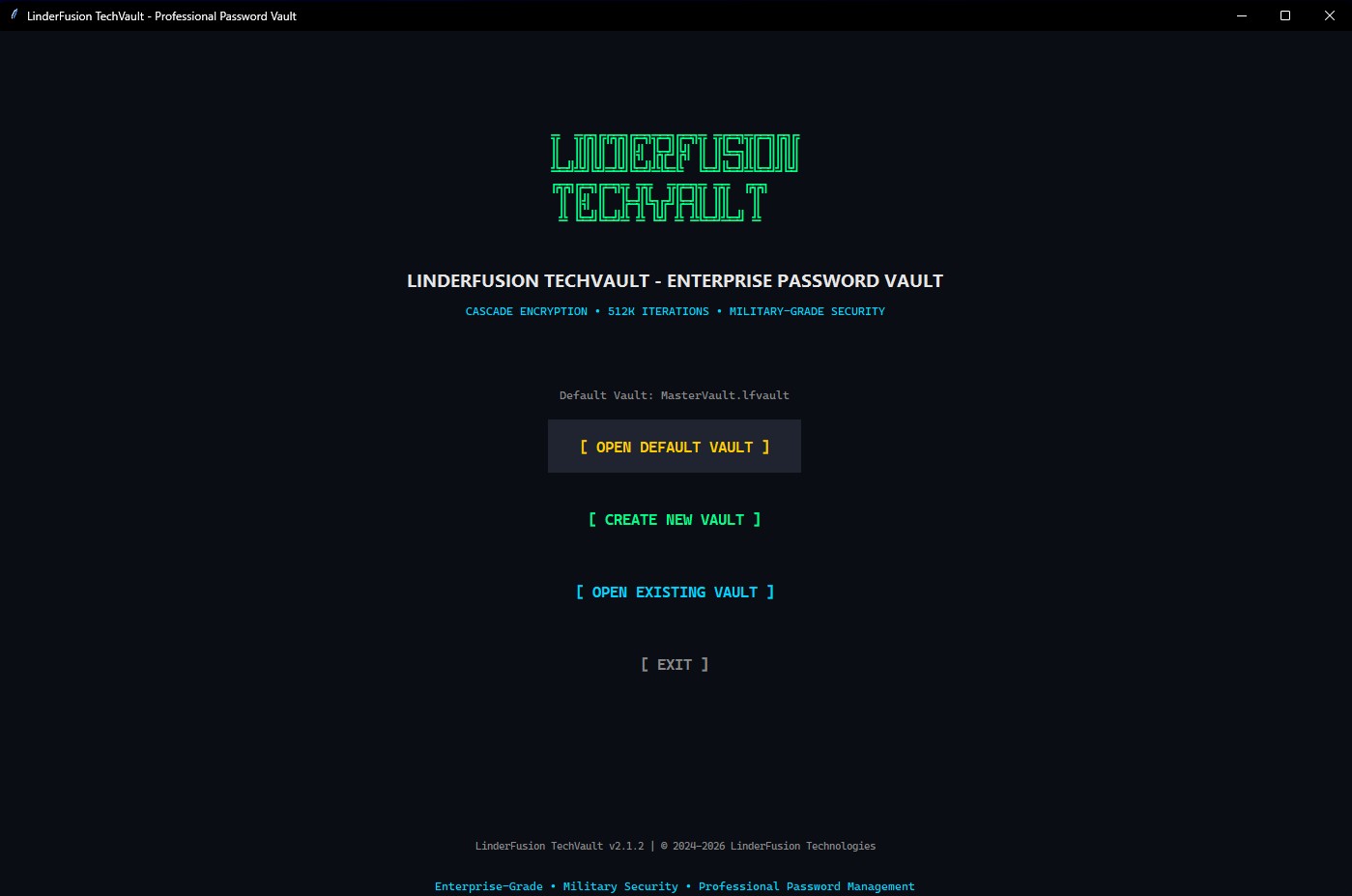
Military-Grade Encryption

Your Passwords. Your Control.

100% offline password manager with enterprise-grade security. No cloud. No subscriptions. No compromises.

TechVault

FREE
  • Unlimited passwords
  • Military-grade encryption
  • 8 password modes
  • Groups & organization
Download Free
OR
RECOMMENDED

TechVault Pro

$10 one-time
  • Everything in Free +
  • Two-Factor Auth (MFA)
  • Auto-Type login
  • 6 premium themes
  • Password health dashboard
256-bit Encryption
100% Offline
Lifetime License
30-Day Refund

Choose Your Version

TechVault

FREE

Essential password protection

  • Military-grade encryption
  • Unlimited password storage
  • 8 password generation modes
  • Groups & organization
  • Search & quick peek
  • Import/Export CSV
  • Local & cloud storage
  • Two-Factor Authentication
  • Auto-Type feature
  • 6 Premium themes
  • Password health dashboard
  • System tray integration
Download Free

v2.1.7 | Windows 7/8/10/11 | 15MB

Secure Payment - All transactions are processed securely. Instant download link after purchase. 30-day money-back guarantee.

Feature Comparison

Feature TechVault Free TechVault Pro
Unlimited passwords
Military-grade encryption
Password generator (8 modes)
Groups & subgroups
Search & quick peek
Import/Export CSV
Local & cloud storage
Two-Factor Authentication (MFA)
Auto-Type (Ctrl+Shift+A)
6 Premium themes
Password health dashboard
System tray integration
Global hotkeys
PRO Calculator
Clipboard auto-clear
Auto-lock on minimize
Priority support

TechVault Pro Features PRO

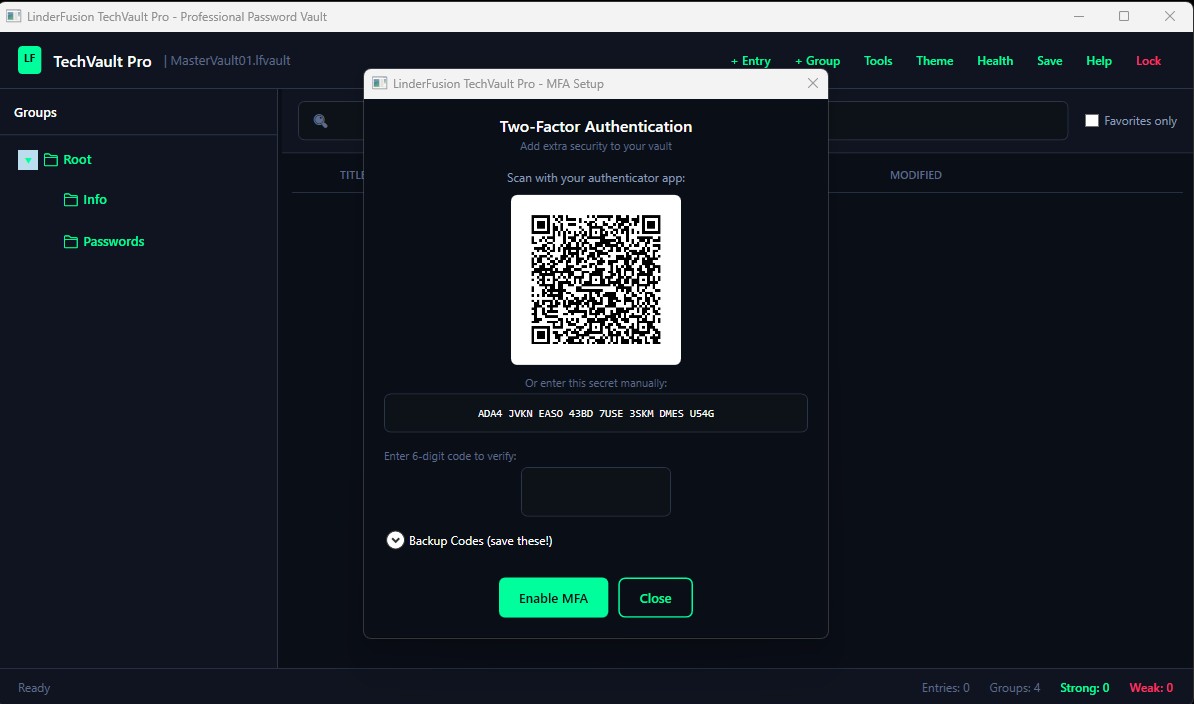
Two-Factor Authentication

Add an extra layer of security with TOTP-based MFA. Use Google Authenticator, Authy, or any authenticator app. Includes backup codes for recovery.

Auto-Type

Automatically fill in usernames and passwords with a single hotkey (Ctrl+Shift+A). Works with any application or website. Customizable typing patterns.

6 Premium Themes

Choose from Dark, Light, Midnight Blue, Forest Green, Sunset Orange, or Royal Purple. Professional themes designed for all-day use.

Password Health Dashboard

Analyze your passwords for weaknesses, duplicates, and age. Get actionable recommendations to improve your security posture.

System Tray Integration

Minimize to system tray for quick access. Right-click for quick actions. Stays out of your way until you need it.

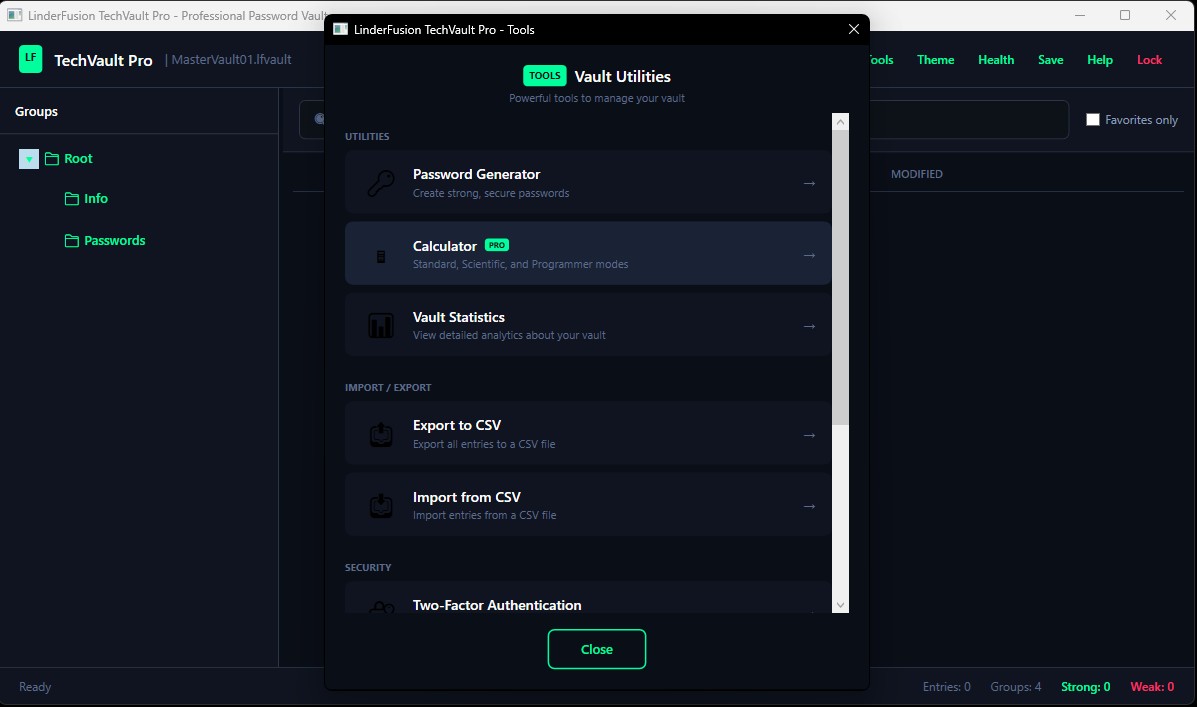
PRO Calculator

Built-in scientific calculator with Standard, Scientific, and Programmer modes. HEX/DEC/OCT/BIN conversions. Copy/paste support.

Enterprise-Grade Security (Both Versions)

Both TechVault Free and Pro use the same powerful encryption. Your passwords are protected by security that would take billions of years to crack.

3-Layer Cascade Encryption

ChaCha20-inspired, AES-inspired, and custom bit-mixer cipher layers.

512,000 PBKDF2 Iterations

Half a million rounds of key derivation for brute-force protection.

HMAC Integrity Protection

Cryptographic verification detects any tampering.

Zero Knowledge Architecture

Only you can decrypt your vault. No backdoors, ever.

See TechVault Pro in Action

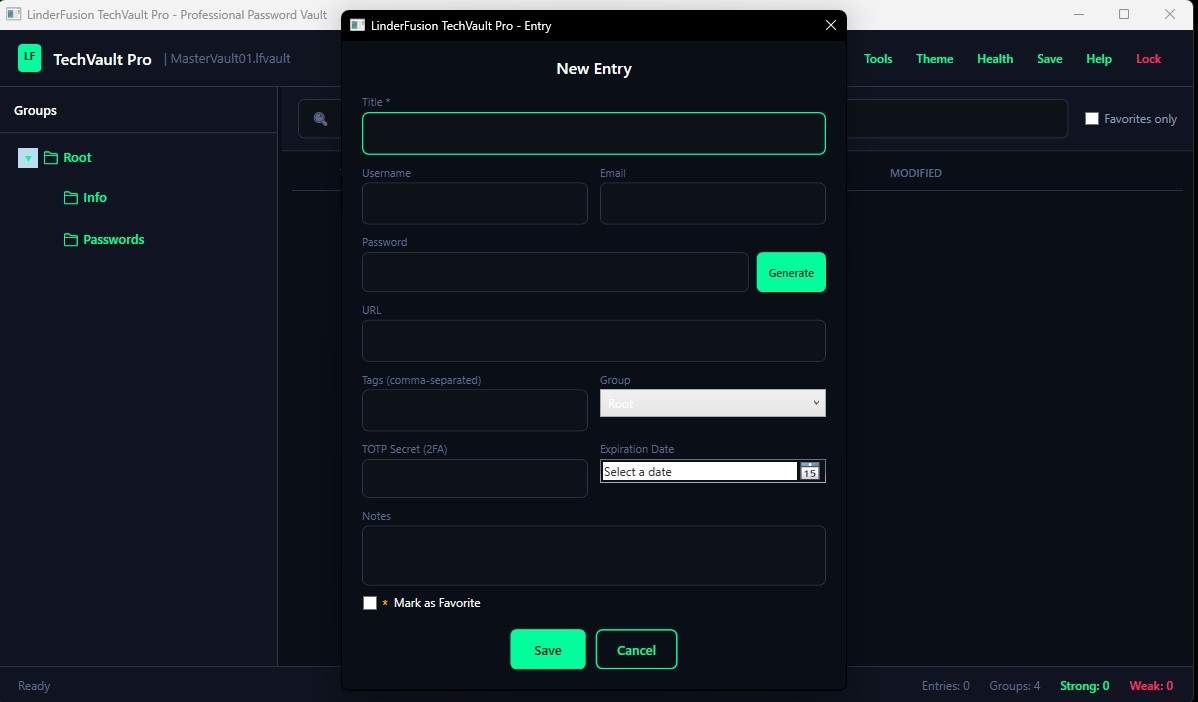
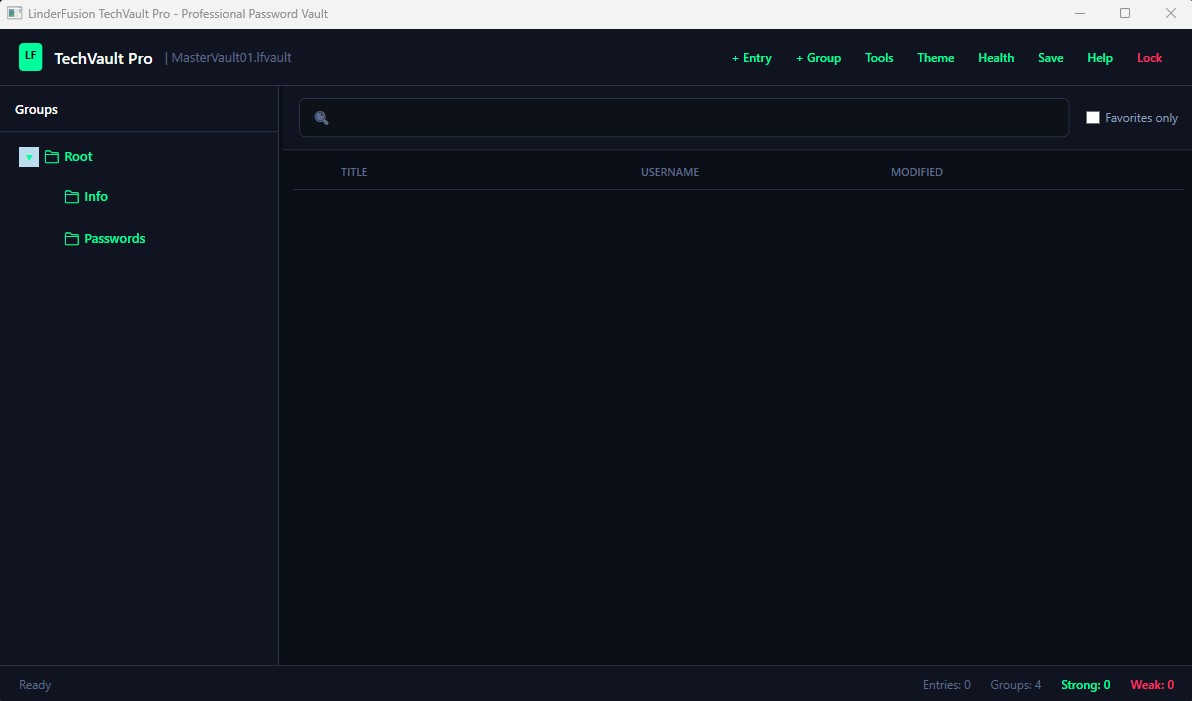
TechVault Pro Main Interface

Clean, Professional Interface

Modern dark theme with intuitive organization and powerful search.
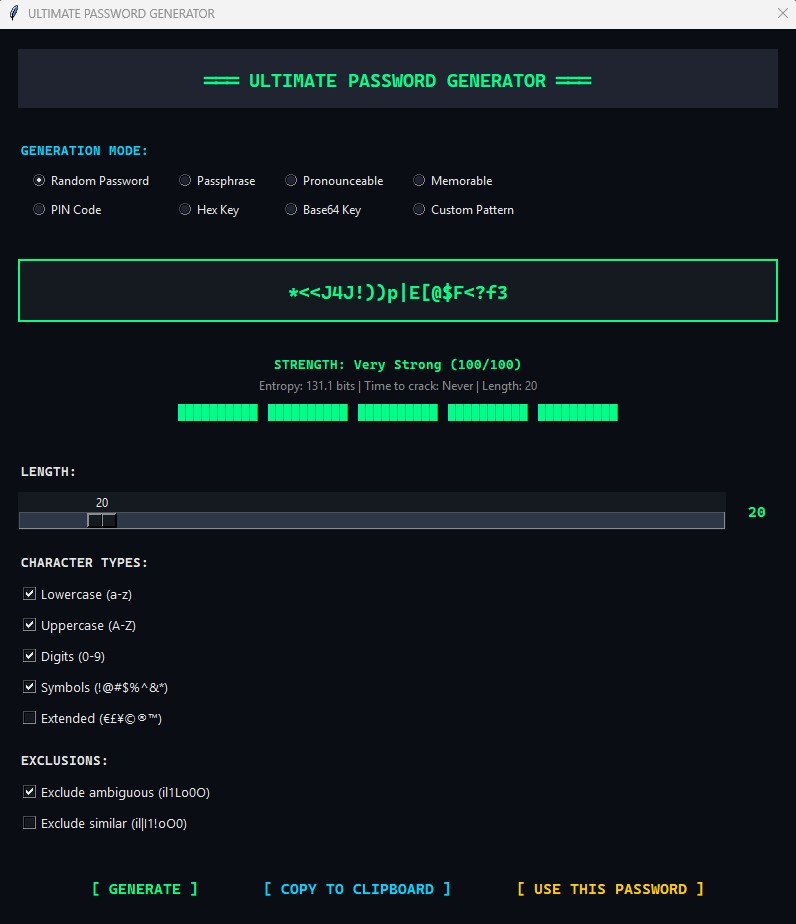
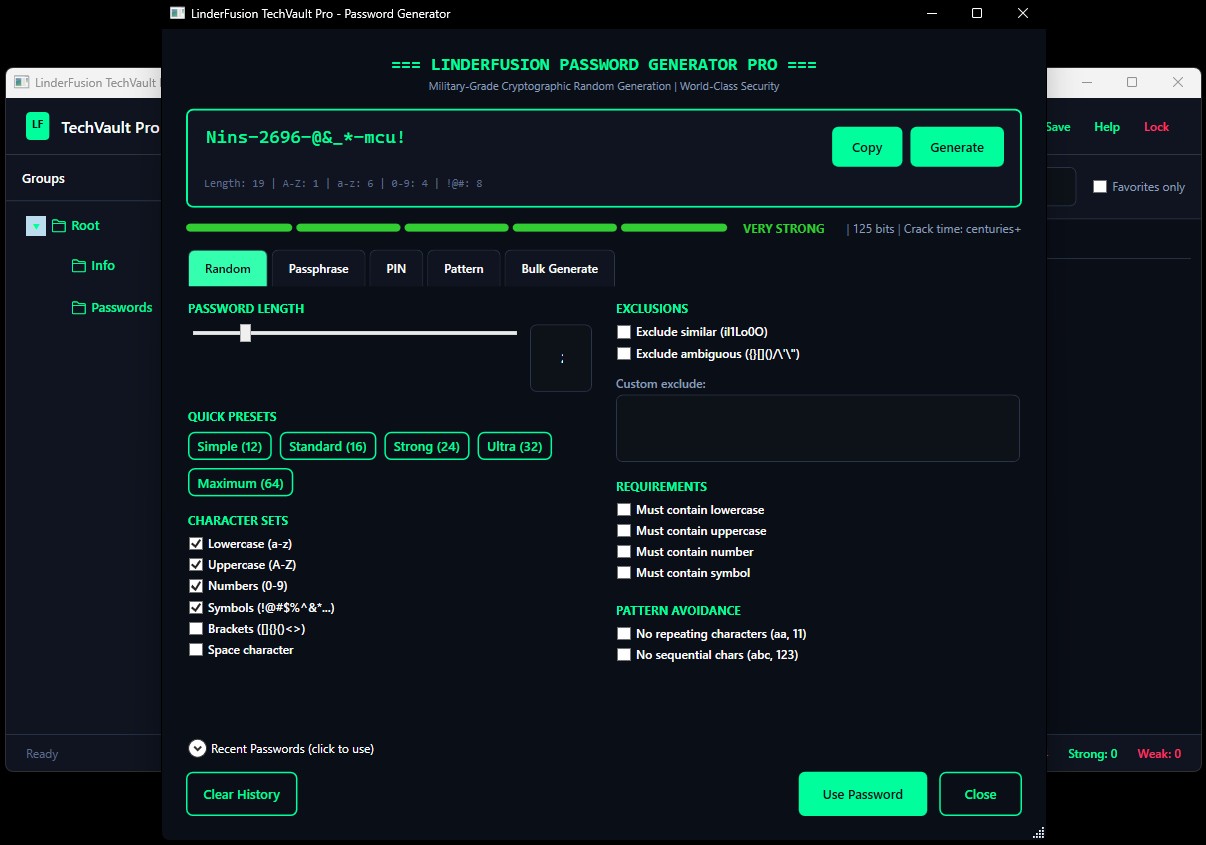
TechVault Password Generator

8 Password Generation Modes

Generate secure passwords with customizable settings.
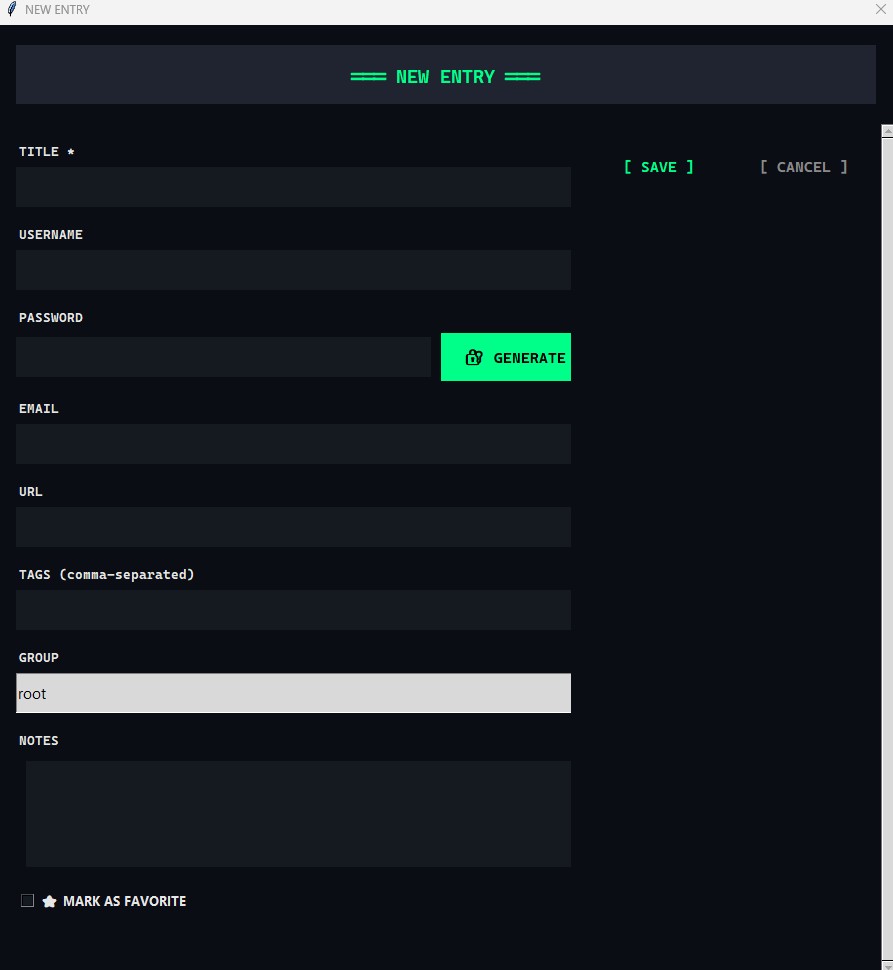
TechVault Entry Editor

Easy Entry Management

Add, edit, and organize passwords with ease.
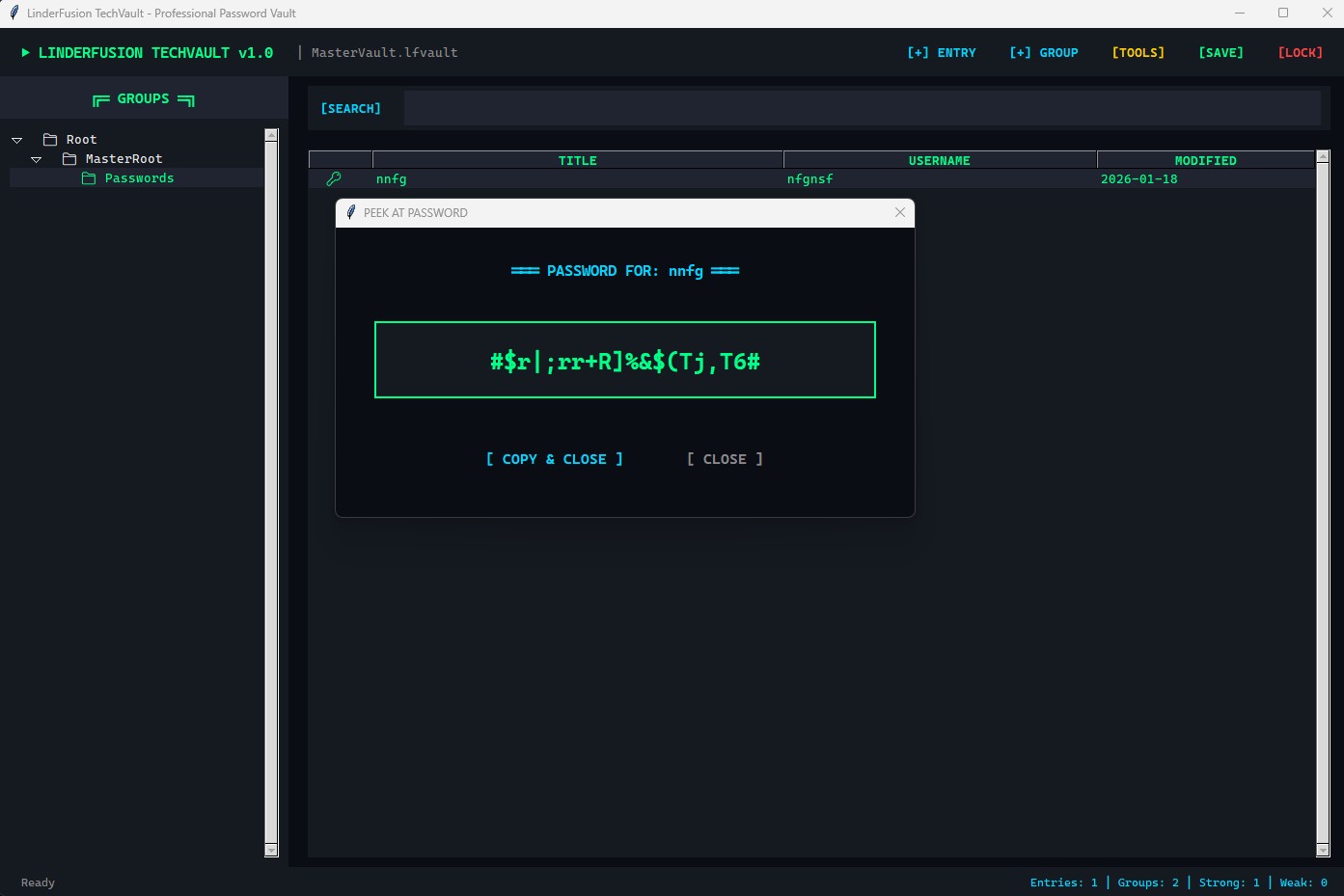
TechVault Password Peek

Password Peek Feature

Quick view passwords in large text when needed.
Frequently Asked Questions

What's the difference between Free and Pro?
TechVault Free includes all essential password management features: encryption, unlimited storage, password generation, groups, and search. TechVault Pro adds advanced security features (MFA, auto-lock), convenience features (auto-type, system tray, global hotkeys), and personalization (6 themes, password health dashboard).
Is it a one-time payment or subscription?
TechVault Pro is a one-time payment of $10. No subscriptions, no recurring fees. You get lifetime access to all current and future updates.
Can I upgrade from Free to Pro later?
Yes! Your vault file (.lfvault) is fully compatible between versions. Simply purchase Pro, download it, and open your existing vault. All your passwords will be there.
What payment methods are accepted?
We accept all major credit cards (Visa, Mastercard, American Express) and PayPal through our secure payment processor.
Is there a refund policy?
Yes! We offer a 30-day money-back guarantee. If you're not satisfied with TechVault Pro for any reason, contact us at [email protected] for a full refund.
How do I receive the download after purchase?
Immediately after your payment is processed, you'll be redirected to a download page with a unique, secure link to download TechVault Pro. You'll also receive an email with your download link and license details.

Ready to Secure Your Digital Life?

Start with TechVault Free or unlock the full experience with TechVault Pro. Either way, your passwords are in safe hands.

Download Free